/what are the best practices for vulnerability scanning?
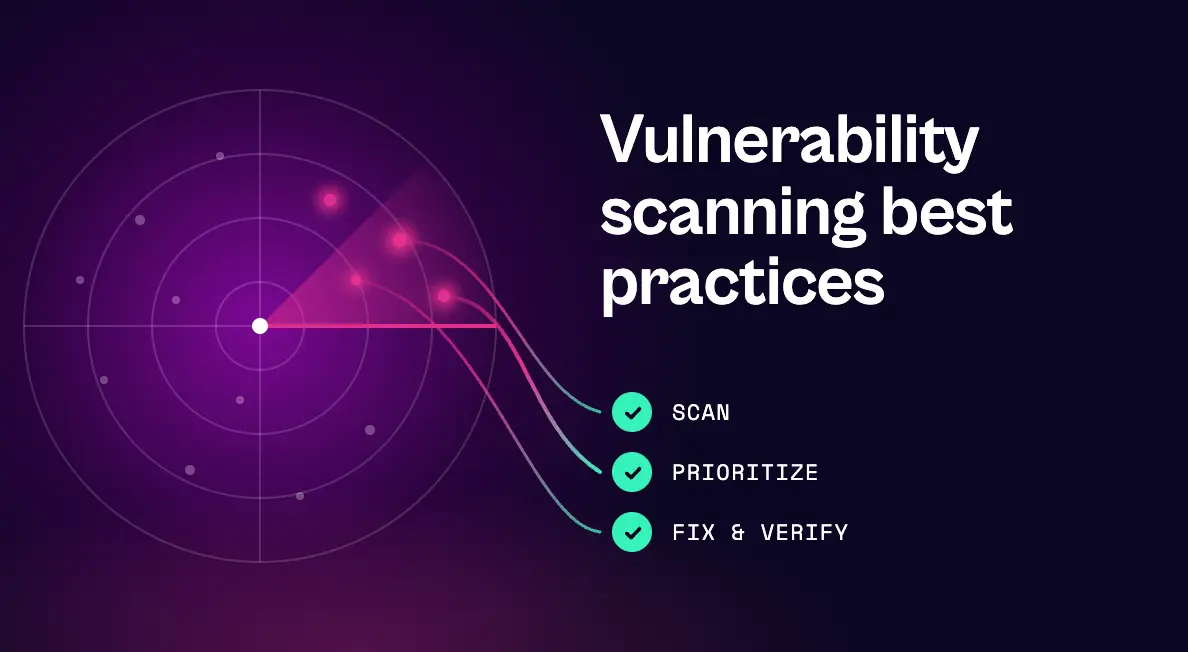
Vulnerability scanning best practices start before the first scan: keep an accurate asset inventory, scope by business risk, combine scan types, and use authenticated scans. Scan on a risk-based cadence, rescan after major changes, and tune out noise. Then focus on what happens after the scan, where most programs fall short: consolidate duplicate findings, prioritize by real exploitability rather than CVSS alone, check whether existing controls already block the risk, route fixes to owners with SLAs, and rescan to verify.
Following vulnerability scanning best practices is one of the most effective ways to reduce risk, but only if scanning is treated as the start of a process rather than the end of one.
Most organizations already run scanners across their networks, cloud environments, containers, and code. The problem is rarely a lack of findings. It’s incomplete coverage in some places, overwhelming noise in others, and a gap between what scanners report and what actually gets fixed. As AI shortens the time between vulnerability disclosure and working exploit, that gap has become the most dangerous part of the process.
Below are 12 vulnerability scanning best practices organized into three stages: before you scan, while you scan, and after the scan. The last stage is where most programs have the most room to improve.
Before You Scan: Build the Right Foundation
1. Start with an accurate, continuously updated asset inventory
You can’t scan what you don’t know exists. Build an inventory that covers servers, endpoints, cloud resources, containers, applications, and internet-facing assets, and keep it current with automated discovery. Shadow IT and short-lived cloud resources are common blind spots.
2. Scope scanning by business risk
Not every asset deserves the same attention. Tag assets by criticality, data sensitivity, internet exposure, and compliance scope so you can scan the most important systems more often and interpret results in context later.
3. Use the right mix of scan types
No single scanner sees everything. A mature program typically combines external and internal network scans, agent-based scanning for endpoints, cloud configuration scanning, container image scanning, and application security testing such as SAST, DAST, and SCA. Each covers blind spots the others miss.
4. Run authenticated scans wherever possible
Unauthenticated scans only see what an outsider sees. Credentialed scans can inspect installed software, patch levels, and configurations, which uncovers far more vulnerabilities and reduces false positives. Protect scan credentials with the same care as any privileged account.
While You Scan: Stay Continuous and Accurate
5. Set a risk-based scanning cadence
Scan frequency should reflect how exposed and how important an asset is. Compliance frameworks set minimums, but they shouldn’t define your whole program. For example, PCI DSS requires internal and external vulnerability scans at least quarterly and after significant changes for in-scope systems. Use the table below as a starting point and adjust to your risk tolerance:
| Asset type | Suggested cadence |
|---|---|
| Internet-facing systems | Continuous or at least weekly |
| Critical internal servers | Weekly |
| General internal infrastructure | Weekly to monthly |
| Cloud configurations | Continuous |
| Container images and code | On every build or commit, in the CI/CD pipeline |
| Compliance-scoped systems | At least the framework’s minimum, plus after significant changes |
6. Rescan after significant changes
New deployments, infrastructure changes, major software updates, and security incidents can all introduce new exposures. Don’t wait for the next scheduled scan when your environment has changed.
7. Tune scans to reduce noise and disruption
Review scanner policies regularly to cut false positives, remove checks that don’t apply to your environment, and schedule intensive scans to avoid business-critical windows. Every false positive that reaches a fixing team erodes trust in the entire program.
After the Scan: The Vulnerability Scanning Best Practices Most Programs Miss
Scanning creates visibility. Risk only goes down when findings get resolved. These five practices turn scan results into completed fixes.
8. Consolidate and deduplicate findings across scanners
When several tools scan overlapping assets, the same vulnerability can appear multiple times under different identifiers and severity ratings. Bring findings into one backlog, merge duplicates, and group findings that share a single fix. If ten findings close with one patch, that should be one remediation task, not ten tickets.
9. Prioritize beyond CVSS
CVSS measures technical severity, not risk to your business. Layer in threat intelligence such as CISA’s Known Exploited Vulnerabilities (KEV) catalog and exploit prediction scores, plus asset criticality and exposure. Keep in mind that signals like “exploit available” mean less than they used to, now that AI makes exploits cheaper and faster to build.
10. Validate exploitability and check existing controls
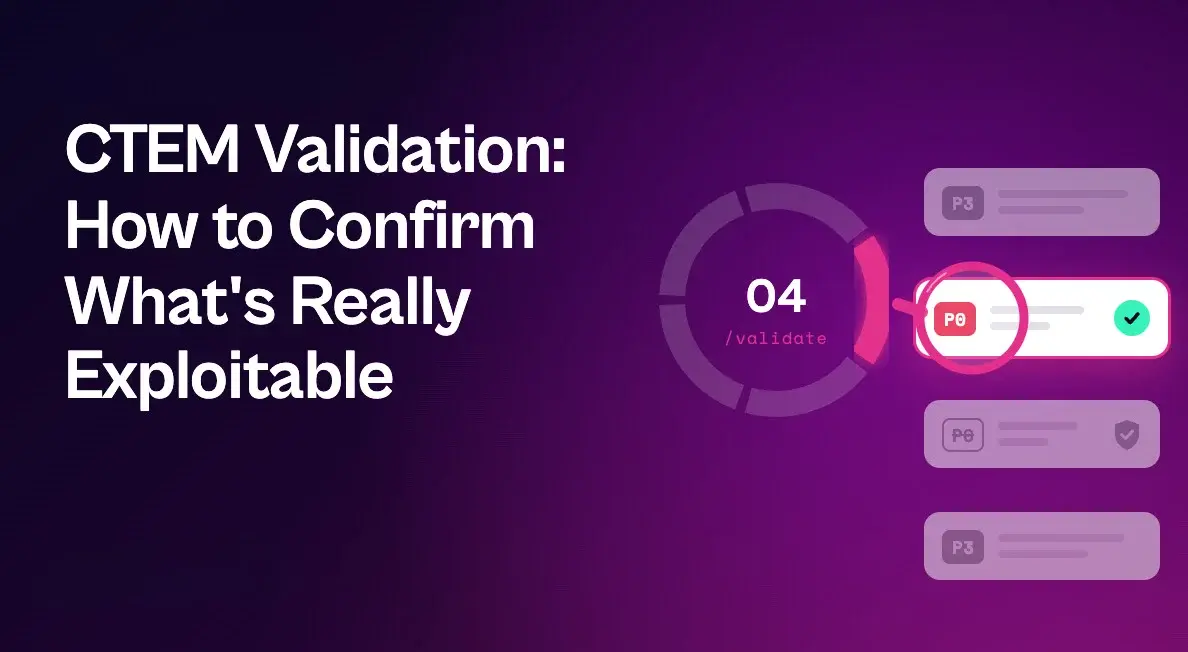
Before sending a critical finding to a fixing team, confirm that it’s actually exploitable on that specific asset, given its configuration, network reachability, and exploit prerequisites. Then check whether a compensating control, such as endpoint protection policy, already blocks the attack technique. This step alone can move many “critical” findings down the list and focus effort where it matters.
11. Route fixes to the right owners with clear SLAs
Findings sitting in a security console don’t get fixed. Assign each remediation task to the team that owns the asset or code, deliver it in the tools they already use, such as Jira or ServiceNow, and set SLAs based on risk. Include clear remediation guidance so fixers don’t have to research every issue from scratch.
12. Rescan to verify, and measure what matters
Close the loop by rescanning to confirm that fixes worked. Then track the metrics that reflect real risk reduction: mean time to remediate (MTTR), SLA compliance, the age of your critical backlog, and exposure trends over time. The number of vulnerabilities found is far less meaningful than how quickly the important ones get closed.
How Seemplicity Puts Vulnerability Scanning Best Practices Into Action
Seemplicity isn’t another scanner. It works with the scanners you already run, such as Tenable, Qualys, Rapid7, Wiz, and Snyk, and automates the after-the-scan practices that consume the most time. As the only technology that fuses exposure management with autonomous response, it moves every finding through four questions in one system:
- What’s going on? Findings from every scanner are deduplicated, enriched with EDR coverage, threat intelligence, and KEV data, and grouped by fix. Seema, Seemplicity’s AI assistant, answers plain-language questions about findings, queues, and SLAs.
- Is it real? AI Analysts check exploitability on the asset itself, including live configuration, code and dependency reachability, and exploit prerequisites. A “P0” whose prerequisites aren’t met can be reprioritized to a P3.
- Is it already blocked? EDR Compensating Controls Awareness reads live policy from CrowdStrike or Microsoft Defender to show whether the attack technique is already stopped.
- How do we close it? Response Options lay out Fix, Mitigate, or Neutralize choices, with one recommended and a safety rating for each, so risk comes down even before a patch window.
Behind those answers, Seemplicity routes remediation to each owning team’s queue, syncs status and SLAs both ways with Jira and ServiceNow, and attaches step-by-step fix guidance to each task. The result is a scanning program measured by what gets fixed, not by what gets found.
See Seemplicity in Action
Your scanners already find plenty. The advantage comes from what happens next, and that’s where vulnerability scanning best practices pay off. Request a demo to see Seemplicity in action for yourself.

Frequently asked questions
The most important vulnerability scanning best practices are maintaining an accurate asset inventory, using authenticated scans across a mix of scan types, scanning on a risk-based cadence, and prioritizing findings by real exploitability. Just as important is what happens next: consolidating duplicates, routing fixes to owners with SLAs, and rescanning to verify that fixes worked.
It depends on the asset. Internet-facing systems and cloud configurations benefit from continuous or weekly scanning, internal infrastructure is commonly scanned weekly to monthly, and code and containers should be scanned in the CI/CD pipeline. Compliance frameworks like PCI DSS set quarterly minimums for in-scope systems.
Unauthenticated scans assess a system from the outside without credentials, showing what an external attacker might see. Authenticated scans log in to inspect installed software, patches, and configurations, producing more complete and accurate results.
Vulnerability scanning is the automated process of finding weaknesses. Vulnerability management is the broader, continuous program that includes scanning plus prioritization, remediation, verification, and reporting.
Use authenticated scans, keep scanner policies tuned to your environment, correlate findings across tools, and validate exploitability before assigning work. Confirming whether a vulnerability is actually reachable and exploitable filters out much of the noise.
Stay updated on Seemplicity blog
Subscribe today to stay informed and get regular updates from Seemplicity.