Fix Cloud Misconfigurations Faster with Aggregated CSPM Findings

Cloud security posture management tools generate high volumes of findings, often flagging the same underlying misconfiguration across dozens of resources as separate alerts. Without a way to group and contextualize those findings, remediation teams are left fixing the same issue one resource at a time, wasting effort and missing the bigger picture. A single outdated TLS version across four Azure web apps is one problem, not four.

This demo walks through how Seemplicity handles CSPM findings by aggregating them around the shared issue rather than the individual resource. See how Seemplicity identifies that multiple resources share the same root cause, and how important context like affected resources, source scanners, subscriptions, and the recommended approach, all gets neatly packaged into tickets and sent to your ticketing platform of choice.

What you’ll learn

See the Full Scope of a Misconfiguration at a Glance

Understand how Seemplicity aggregates findings that share the same issue across multiple resources, so your team immediately knows they are dealing with one problem at scale — not a queue of unrelated alerts.

Give Fixing Teams the Exact Context They Need

Learn how each aggregated finding surfaces the specific affected resources, the source scanner, and the shared subscription, letting a fixing team know whether to patch individually or address the issue once through infrastructure code.

Send One Ticket, Not Dozens

See how all of that context gets packaged into a single, complete ticket and routed to the ticketing platform your team already uses — eliminating duplicate tickets and the coordination overhead that comes with them.

Key Features

Issue-Based Aggregation

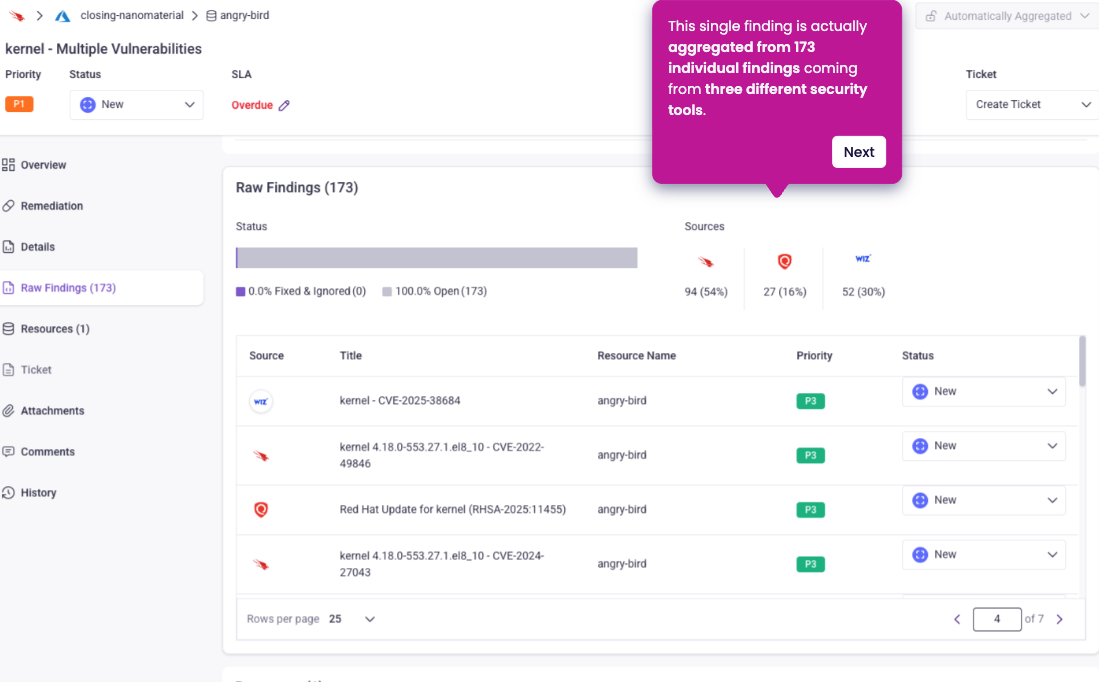
Seemplicity groups CSPM findings that share the same root cause across multiple resources into a single action item.

Full Resource Visibility

Each aggregated finding includes the complete list of affected resources, the source scanner, and subscription details.

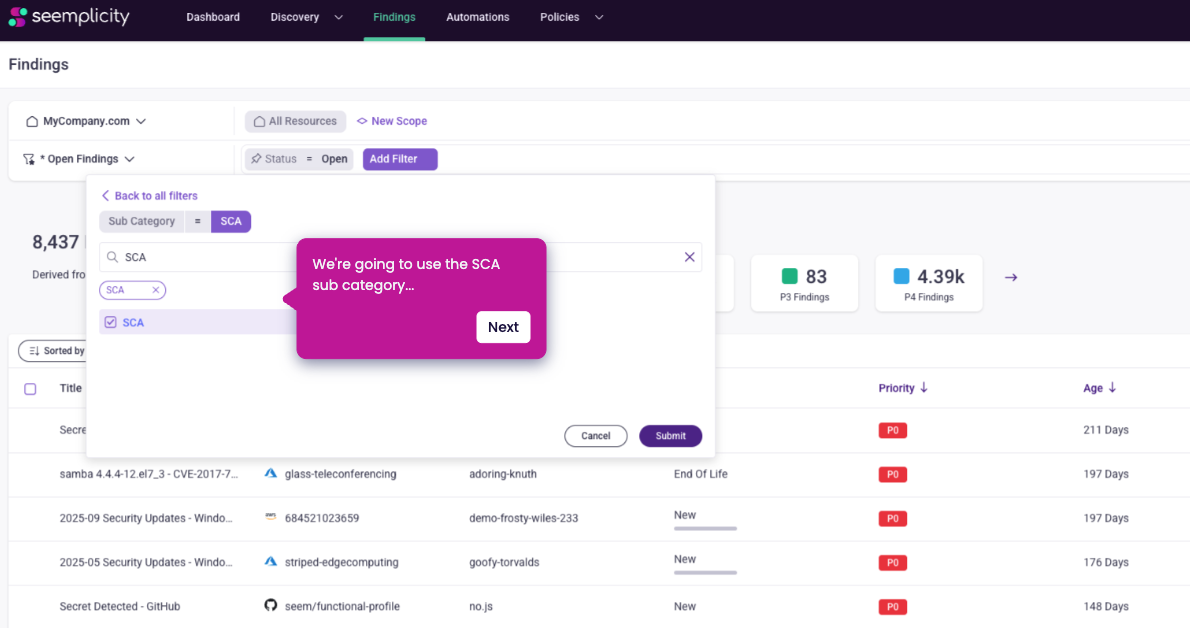
Subcategory Filtering

Quickly focus on specific finding types to cut through noise and work on the most relevant issues for your current remediation effort, without losing visibility into the broader environment.

One-Click Ticketing to Any Platform

All resource details, source information, and remediation context are automatically packaged into a single ticket and sent to the ticketing platform of your choice.