/how can security teams mitigate risk faster?
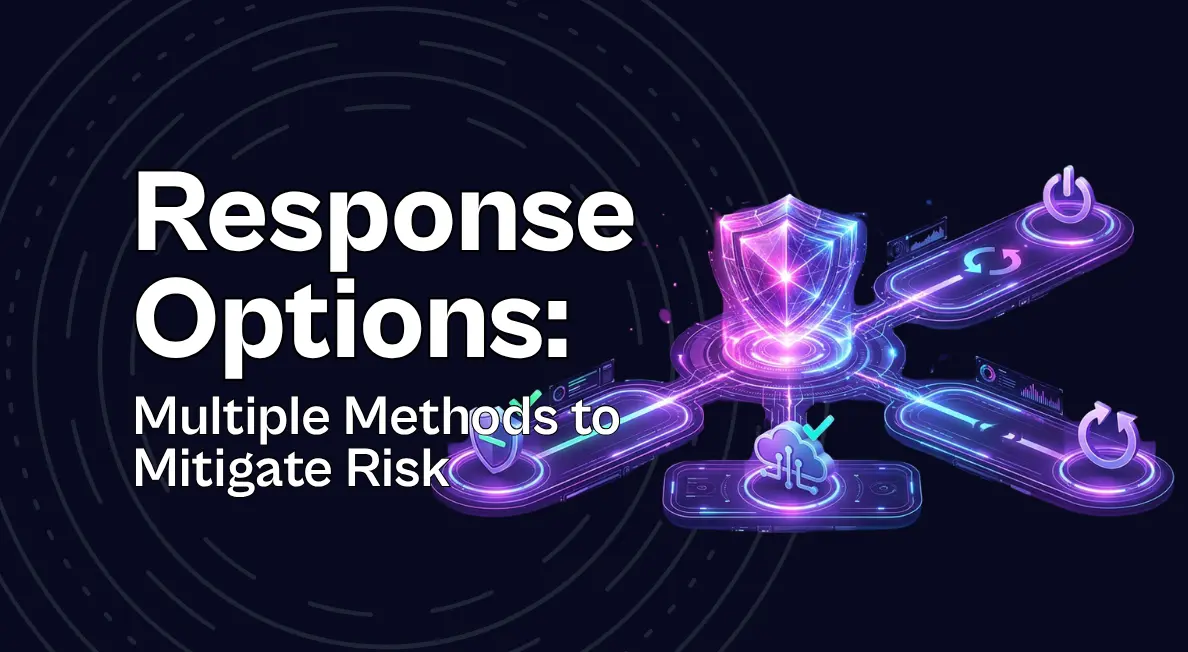
Seemplicity’s new Response Options feature gives teams multiple ways to respond to a confirmed finding, not just a single full-fix recommendation. AI Analysts surface and rank fix, neutralization, and mitigation paths based on security impact, deployment risk, and effort, helping teams reduce exposure faster while making safer, more informed remediation decisions.
Every exposure management program eventually hits the same wall. You’ve found the threat, you’ve confirmed it’s real, and now you’re stuck waiting on the fix that actually requires downtime, a reboot, or a change window three weeks out.
That wait used to be tolerable, but it isn’t anymore. Frontier AI has collapsed the runway between disclosure and exploitation, and exploit availability, the filter most teams still lean on to decide what’s urgent, is about to stop meaning anything. Waiting on the heaviest fix isn’t a defensible default. It’s an unmanaged exposure window with a name on it.
One Fix Was Never the Only Option
Ask any practitioner what happens when a critical finding lands and the real fix needs a maintenance window three sprints out. The honest answer is usually a manual workaround somebody improvised under pressure: a firewall rule tightened by hand, a config flipped without much confidence, a mitigation nobody documented and nobody’s fully sure will hold.
That’s not a process, it’s whatever the on-call engineer could piece together before the deadline got worse. It happens because most remediation workflows only ever present one option: the full fix.
Seemplicity is closing that gap. Response Options gives every confirmed finding more than one way out. Seemplicity’s AI Analysts now surface every real path to closing a finding, rank each by deployment risk and effort, and tell you which one they recommend, without hiding the alternatives.
Fix. Mitigate. Neutralize.
Every finding now surfaces its resolution paths as selectable cards, with the recommended option pre-selected by default:
- Fix — the full remediation: the patch, the upgrade, the change that removes the vulnerability entirely. It’s often correct, and it’s still the slowest.
- Neutralize — removes the exploitability or reachability of the vulnerability without the full change: disabling a feature, adjusting a policy, closing off the specific technique an attacker would need.
- Mitigate — narrows the exposure with a targeted compensating control, buying time without eliminating the underlying flaw.
Every option also carries a safety chip showing exactly what it costs to deploy: whether it needs a reboot, how much validation it requires, what the blast radius looks like if something goes wrong. Selecting a card expands the full reasoning: why this option closes the threat, and what deploying it actually means operationally. That answers the question every practitioner asks before touching production: can I deploy this without creating a new incident?
The Layer That Makes Auto-Remediation Trustworthy
Response Options isn’t a replacement for auto-remediation. It’s the analysis that determines when auto-remediation is safe to trigger in the first place.
Every option gets evaluated on two axes before anything moves: is closing this finding worth the intervention (the security risk), and is this specific option safe to push without touching production (the operational risk). Line those up, and you have a defensible candidate for auto-remediation. Miss on either, a reboot required, insufficient validation, real blast radius, and it routes to a human instead of firing blind.
Close It Your Way
With Response Options, you get a real decision instead of a single take-it-or-leave-it recommendation, the pros and cons for each option, and an auditable reasoning trail.. The full fix isn’t going anywhere, it’s still often the right long-term answer, and it can still be scheduled on its normal cadence. Response Options just makes sure it’s never the only option standing between a confirmed finding and a closed one.
Response Options is available now to Seemplicity customers, be sure to ask your account manager about it during your next meeting.
As always, if you have questions or want to learn more, contact us for a more personalized meeting.

Stay updated on Seemplicity blog
Subscribe today to stay informed and get regular updates from Seemplicity.