/what is cloud security posture management (cspm)?
Cloud security posture management (CSPM) continuously monitors cloud environments like AWS, Azure, and Google Cloud for misconfigurations, risky permissions, and compliance gaps. It inventories cloud resources, checks them against security policies and benchmarks, prioritizes risks, and guides or automates remediation. CSPM is essential because configuration is the customer’s responsibility in the cloud. Its biggest challenge isn’t detection but follow-through: routing fixes to the right owners and fixing issues at their source.
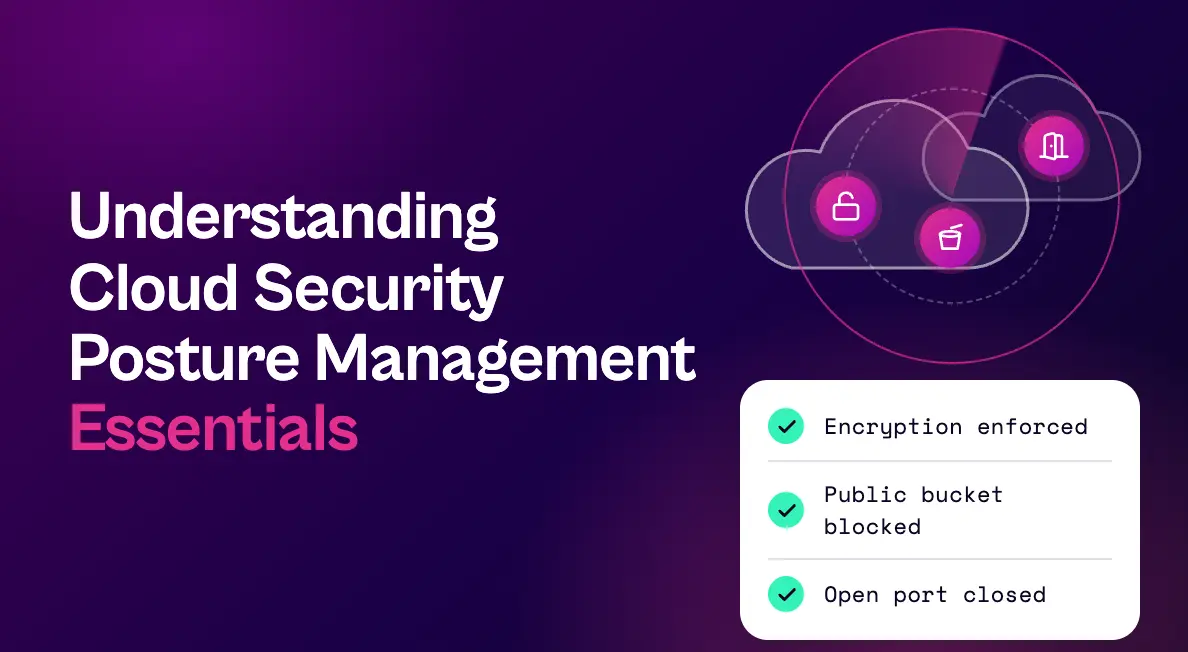
Understanding cloud security posture management essentials starts with one uncomfortable fact: in the cloud, most security incidents don’t require a sophisticated exploit. A storage bucket left public, a security group open to the internet, or an overly permissive identity role is often enough.
Cloud security posture management (CSPM) exists to catch those mistakes continuously, across every account and cloud provider you use. It has become a foundational part of cloud security, and a key input to any exposure management program.
This guide covers what CSPM is, how it works, its core capabilities, the misconfigurations it catches most often, how it compares to related tools, best practices, and how to close the gap between CSPM findings and completed fixes.
What Is Cloud Security Posture Management (CSPM)?
Cloud security posture management is a set of tools and processes that continuously monitor cloud infrastructure for misconfigurations, compliance violations, and risky access, then help teams prioritize and fix what they find. CSPM tools typically cover infrastructure, platform, and increasingly software-as-a-service environments across providers like AWS, Microsoft Azure, and Google Cloud.
CSPM matters because of the shared responsibility model. Cloud providers secure the underlying infrastructure, but customers are responsible for how they configure services, manage identities, and protect data. Configuration mistakes are the customer’s to find and fix.
Why Cloud Security Posture Management Is Essential
Cloud environments change constantly. Teams spin up resources in minutes, infrastructure is defined in code and deployed automatically, and most organizations use more than one provider. Manual configuration reviews can’t keep up with that pace.
CSPM provides continuous visibility into how cloud resources are configured, catches risky changes as they happen, and gives security, DevOps, and compliance teams a shared view of cloud risk. It also supports audits by mapping configurations to regulatory and industry frameworks.
How CSPM Works
- Connect: CSPM tools connect to cloud accounts through provider APIs, usually without installing agents.
- Inventory: They build a continuously updated inventory of cloud resources, services, identities, and relationships.
- Assess: Configurations are evaluated against security policies, provider best practices, and benchmarks such as the CIS Benchmarks.
- Prioritize: Findings are ranked by severity and context, such as internet exposure, data sensitivity, and combinations of risks.
- Remediate: Tools provide fix guidance, create tickets, or automatically correct certain misconfigurations.
- Monitor for drift: CSPM continuously watches for new resources and configuration changes that reintroduce risk.
Core CSPM Capabilities
- Cloud asset discovery: A complete, current view of resources across accounts, subscriptions, projects, and providers
- Misconfiguration detection: Continuous checks for insecure settings on storage, networking, compute, databases, and managed services
- Compliance mapping: Reporting against frameworks such as CIS, PCI DSS, HIPAA, SOC 2, and ISO 27001
- Identity and permission visibility: Detection of overprivileged roles, unused permissions, and risky access paths
- Contextual prioritization: Ranking that accounts for internet exposure, sensitive data, and combinations of risks on the same resource
- Infrastructure-as-code scanning: Checking templates before deployment so misconfigurations never reach production
- Remediation support: Step-by-step guidance, ticketing integrations, and optional automated fixes
Common Cloud Misconfigurations CSPM Catches
| Misconfiguration | Why it’s risky |
|---|---|
| Publicly accessible storage buckets | Can expose sensitive data to anyone on the internet |
| Security groups open to 0.0.0.0/0 on SSH or RDP | Invite brute-force and exploitation attempts against servers |
| Overprivileged identity roles | Let a single compromised identity reach far more than it should |
| Disabled logging and monitoring | Leave teams blind during an investigation |
| Unencrypted data stores | Increase the impact of any data exposure |
| Exposed access keys and secrets | Give attackers direct, authenticated access |
| Admin accounts without multi-factor authentication | Make account takeover far easier |
CSPM vs. CNAPP, CWPP, CIEM, and ASPM
CSPM is one piece of a larger cloud and application security landscape:
| Category | Primary focus |
|---|---|
| CSPM (cloud security posture management) | Cloud configuration, compliance, and posture risk |
| CWPP (cloud workload protection platform) | Protecting running workloads such as VMs, containers, and serverless functions |
| CIEM (cloud infrastructure entitlement management) | Managing identities and permissions in the cloud |
| CNAPP (cloud-native application protection platform) | A unified platform combining CSPM, CWPP, CIEM, and more |
| ASPM (application security posture management) | Risk in application code, dependencies, and the software development lifecycle |
Many organizations now get CSPM as part of a CNAPP. Either way, cloud posture findings are one stream among many that security teams must act on. For a closer look at the application side, see our guide to ASPM tools.
CSPM Best Practices
- Cover every account and provider. Connect all production and non-production accounts, including those created outside central IT.
- Anchor policies to a framework. Start from CIS Benchmarks or a regulatory framework, then tailor policies to your environment.
- Prioritize by exposure and data. An internet-facing resource holding sensitive data deserves attention before an internal test resource.
- Fix at the source. When a misconfiguration comes from an infrastructure-as-code template, fix the template, not just each deployed resource.
- Use auto-remediation carefully. Automated fixes are powerful for low-risk, well-understood issues, but test them to avoid breaking production.
- Assign clear ownership. Map accounts, projects, and tags to accountable teams so findings don’t sit unassigned.
- Track drift and time to fix. Measure how often misconfigurations reappear and how long they stay open.
The CSPM Gap: From Findings to Fixes
CSPM tools are very good at detection. Where cloud security programs usually struggle is follow-through:
Unclear ownership: Cloud accounts are shared, tags are inconsistent, and resources outlive the teams that created them.
Repeated findings with one root cause: The same misconfiguration can appear on hundreds of resources because it came from a single template or image.
Uncertain real risk: A flagged resource may or may not actually be reachable from the internet once network controls are considered.
Siloed backlogs: Cloud findings often live apart from application and infrastructure findings, so teams can’t see or prioritize risk in one place.
How Seemplicity Helps Teams Act on Cloud Security Posture Management Findings
Seemplicity isn’t a CSPM tool. It works with the cloud security tools you already run, such as Wiz and Prisma Cloud, alongside scanners like Tenable, Qualys, and Rapid7, and turns their findings into completed fixes. As the only technology that fuses exposure management with autonomous response, it helps close the CSPM gap:
- One backlog for cloud, application, and infrastructure risk. Findings are deduplicated and grouped by fix, so a misconfiguration repeated across hundreds of resources becomes one remediation item.
- Ownership that reflects reality. Find the Fixer builds accurate ownership structures by cleaning and enriching tags, and Automatic Scoping groups assets by environment, business unit, and owner.
- Reachability confirmed, not assumed. AI Analysts assess network reachability using signals like security groups, public IP presence, and active connections, so teams focus on what’s actually exposed.
- Faster, safer responses. Response Options lay out Fix, Mitigate, or Neutralize choices, with one recommended and a safety rating for each.
- Work delivered where cloud teams work. Remediation routes to each owning team’s queue, with bi-directional Jira and ServiceNow sync for status, comments, and SLAs.
Learn more about Seemplicity’s approach to exposure management.
See Seemplicity in Action
Cloud security posture management tells you what’s misconfigured. Seemplicity helps you confirm what’s exposed and get it fixed. Request a demo to see Seemplicity in action for yourself.

Frequently asked questions
CSPM focuses specifically on cloud configuration and compliance posture. A CNAPP is a broader platform that typically combines CSPM with workload protection, entitlement management, and other cloud-native security capabilities.
Usually, yes. Most CSPM tools connect to cloud accounts through provider APIs and read configuration data without installing agents, which makes deployment fast and coverage broad.
Yes. CSPM tools map cloud configurations to frameworks such as CIS, PCI DSS, HIPAA, SOC 2, and ISO 27001, and provide continuous evidence for audits.
Many CSPM tools can auto-remediate certain issues, such as blocking public access to a storage bucket. Teams typically reserve automation for well-understood, low-risk fixes and route more complex changes to resource owners for review.
Stay updated on Seemplicity blog
Subscribe today to stay informed and get regular updates from Seemplicity.