/what are vulnerability scans and how do they work?
Vulnerability scans are automated checks that inspect networks, hosts, applications, cloud resources, containers, and code for known security weaknesses. A scanner identifies what’s running, compares it against databases of known vulnerabilities, and reports findings with severity scores. Scans are essential for visibility, but they can’t tell you on their own whether a finding is exploitable in your environment, whether existing controls already block it, who should fix it, or the fastest safe way to close it.
Vulnerability scans are one of the most widely used tools in security, and one of the most misunderstood. Nearly every organization runs them, often across several different scanners, yet many teams still struggle to turn scan results into lower risk.
Part of the problem is expectations. A scan is excellent at telling you what known weaknesses exist on the assets it can see. It’s not designed to tell you which of those weaknesses matter most, whether they’re already contained, or how to get them fixed.
This guide explains what vulnerability scans are, how they work, the main types, how to read a scan report, and what scans can’t tell you on their own. If you’re looking for guidance on running scans well, see our companion guide to vulnerability scanning best practices.
What Are Vulnerability Scans?
Vulnerability scans are automated assessments that inspect IT assets for known security weaknesses, such as missing patches, vulnerable software versions, and insecure configurations. They’re typically the first stage of the vulnerability management lifecycle, which continues with prioritization, remediation, verification, and reporting.
Organizations use vulnerability scans for three main purposes: finding weaknesses before attackers do, confirming that fixes worked, and meeting compliance requirements that mandate regular scanning.
How Vulnerability Scans Work
While tools differ, most vulnerability scans follow the same basic sequence:
1. Identify targets. The scanner builds or receives a list of assets to assess, such as IP ranges, hosts, applications, cloud accounts, or container registries.
2. Fingerprint what’s running. It detects operating systems, open ports, services, installed software, and versions, either by probing from the network or by reading directly from the system.
3. Compare against known vulnerabilities. Findings are matched against vulnerability databases, such as the CVE list, and vendor security advisories.
4. Score the results. Each finding typically receives a severity rating, most often based on the Common Vulnerability Scoring System (CVSS).
5. Report. The scanner produces a list of findings with affected assets, evidence, severity, and recommended solutions.
Types of Vulnerability Scans
Different parts of your environment need different kinds of scans. Most organizations run several of these at once:
| Scan Type | What It Checks |
|---|---|
| External network scan | Internet-facing systems, as an outside attacker would see them |
| Internal network scan | Systems inside your network, including servers and workstations |
| Host or agent-based scan | Individual endpoints and servers, using an installed agent |
| Web application scan (DAST) | Running web apps for flaws like SQL injection and cross-site scripting |
| Mean time to remediate critical exposures | How long attackers have to use what you find |
| Cloud configuration scan | Cloud accounts and services for misconfigurations and risky permissions |
| Container image scan | Images and registries for vulnerable packages before and after deployment |
| Code and dependency scan (SAST/SCA) | Source code and open source libraries for vulnerabilities |
| Database scan | Database systems for misconfigurations and weak access controls |
Authenticated vs. unauthenticated scans
Unauthenticated scans examine a system from the outside without credentials. Authenticated, or credentialed, scans log in to inspect installed software, patch levels, and configuration details, producing more complete results and fewer false positives.
Agent-based vs. agentless scans
Agent-based scanning installs lightweight software on each asset for continuous visibility, which works well for laptops and remote devices. Agentless scanning assesses assets over the network or through cloud APIs without installing anything, which simplifies deployment.
What Vulnerability Scans Typically Find
- Missing security patches and outdated software versions
- Insecure or default configurations
- Weak, default, or reused credentials
- Unnecessary open ports and exposed services
- Expired or misconfigured TLS certificates
- Vulnerable open source libraries and container packages
How to Read a Vulnerability Scan Report
A typical scan report lists each finding with the affected asset, a vulnerability identifier such as a CVE, a severity score, evidence of detection, and a recommended fix. Reading it well means asking a few questions the report doesn’t answer directly:
- How important is this asset? A medium-severity finding on an internet-facing payment server may matter more than a critical one on an isolated test machine.
- Is it being exploited in the wild? Check threat intelligence sources such as CISA’s Known Exploited Vulnerabilities (KEV) catalog.
- Have other scanners reported it too? The same issue often appears in several tools with different identifiers and severities.
- Does one fix close many findings? A single patch or library upgrade can resolve dozens of findings at once.
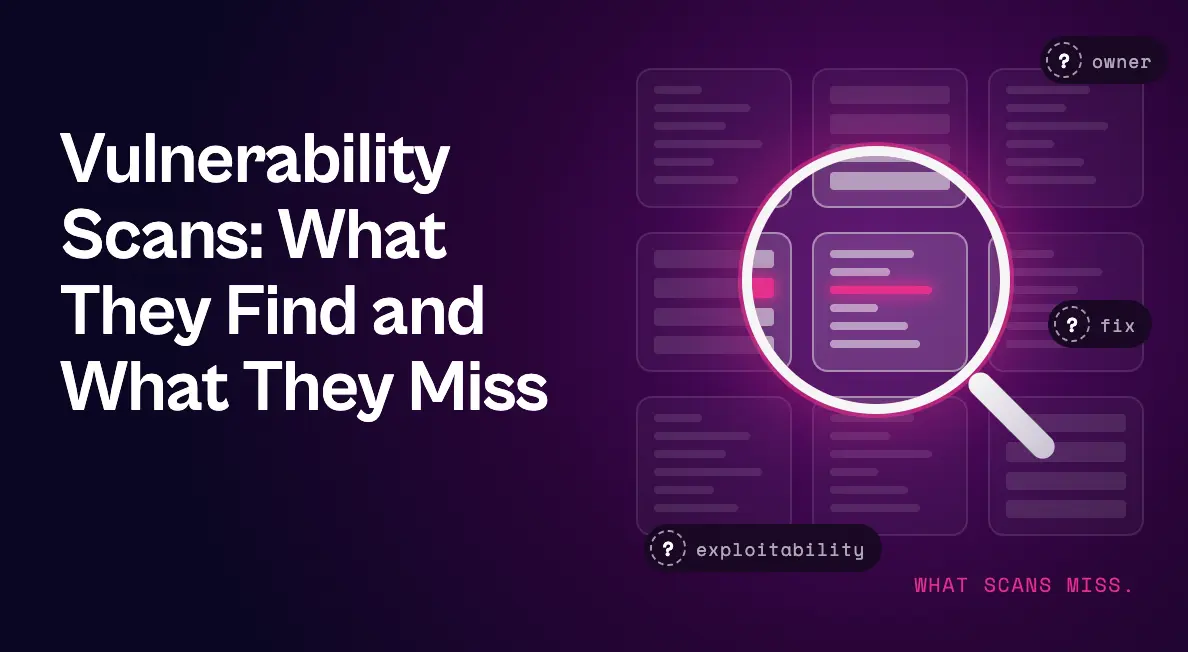
What Vulnerability Scans Can’t Tell You
Vulnerability scans provide essential visibility, but they have built-in limits. Knowing them helps you decide what else your program needs.
Whether a finding is actually exploitable
Scans usually detect vulnerabilities by version or signature. They don’t confirm whether exploit prerequisites are met on that asset, whether the vulnerable code is reachable, or whether the system is exposed to an attacker. And with AI making exploits cheaper and faster to build, “exploit available” flags say less than they used to.
Whether existing defenses already block it
A scanner typically won’t know that endpoint protection policy already stops the attack technique a vulnerability relies on, or that it doesn’t.
Who should fix it
Scan results identify assets, not owners. Figuring out which team is responsible, especially across cloud accounts and shared infrastructure, is left to someone else.
The fastest safe way to close it
Recommended solutions are usually “apply the patch.” When patching requires a change window, scans offer no guidance on interim mitigations.
The full picture across tools
Each scanner reports on its own slice of the environment. Without consolidation, teams juggle duplicate findings and conflicting severity ratings from multiple consoles.
Turning Vulnerability Scans Into Action With Seemplicity
Seemplicity isn’t a scanner. It works with the scanners you already run, such as Tenable, Qualys, Rapid7, Wiz, and Snyk, and fills in what scans leave out. As the only technology that fuses exposure management with autonomous response in one system, it turns raw scan output into validated, owned, and closed exposures.
| What vulnerability scans give you | What Seemplicity adds |
|---|---|
| Separate findings from each scanner | One deduplicated backlog, grouped by fix, so ten findings closed by one patch become one remediation item |
| A CVSS severity score | AI Analysts that check exploitability on the asset itself, so a “P0” with unmet prerequisites can drop to a P3 |
| No view of existing defenses | EDR Compensating Controls Awareness that reads live CrowdStrike or Microsoft Defender policy to show whether the technique is already blocked |
| “Apply the patch” | Response Options with Fix, Mitigate, or Neutralize choices, one recommended, each with a safety rating |
| An affected asset, but no owner | Automatic routing to each owning team’s remediation queue, with role-based access control |
| A static report | Bi-directional Jira and ServiceNow sync for status, comments, and SLA tracking |
| Dashboards to dig through | Seema, an AI assistant that answers plain-language questions about findings, queues, and SLAs |
See Seemplicity in Action
Your vulnerability scans already tell you what’s wrong. Seemplicity helps you decide what’s real and get it fixed. Request a demo to see Seemplicity in action for yourself.

Frequently asked questions
No. Vulnerability scans are automated checks for known weaknesses and can run frequently across many assets. Penetration tests are typically human-led exercises that attempt to exploit weaknesses and chain them together, usually on a narrower scope and less often.
The terms are often used interchangeably. When distinguished, a vulnerability scan is the automated detection step, while a vulnerability assessment includes analyzing and prioritizing the results in the context of the business.
Generally, yes, especially authenticated and agent-based scans. Some intensive network scans can affect fragile or legacy systems, so test scan policies and schedule heavier scans outside critical business windows.
It depends on the asset. Internet-facing systems and cloud configurations benefit from continuous or weekly scanning, while code and containers should be scanned in the CI/CD pipeline. Our vulnerability scanning best practices guide covers recommended cadences in detail.
Stay updated on Seemplicity blog
Subscribe today to stay informed and get regular updates from Seemplicity.