/what is internal vulnerability scanning?
Internal vulnerability scanning checks systems inside your network, such as servers, workstations, and internal applications, for known weaknesses. It assumes an attacker or insider already has a foothold and shows what they could exploit next. Internal scans are typically authenticated, run from scan engines or agents inside each network segment, and are required by standards like PCI DSS. Because they produce large volumes of findings, the key is prioritizing by reachability and existing controls, then routing fixes to owners.
Internal vulnerability scanning answers a question every security team should ask: if an attacker got inside our network today, what could they exploit next?
External scans focus on the perimeter, the systems anyone on the internet can reach. But phishing, stolen credentials, compromised devices, and third-party access mean attackers regularly get past the perimeter. Once inside, the unpatched internal server or forgotten legacy system becomes their path forward.
This guide covers what internal vulnerability scanning is, how it differs from external scanning, what it typically finds, how to set it up well, and how to prioritize the large volume of findings it produces.
What Is Internal Vulnerability Scanning?
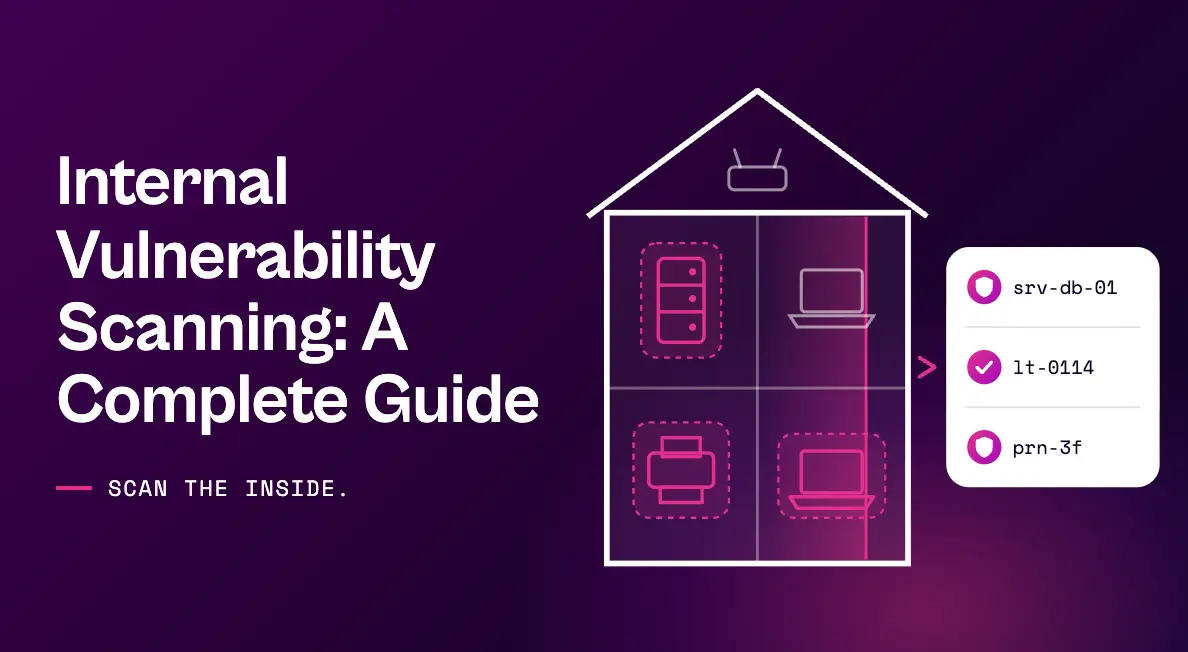
Internal vulnerability scanning is the process of assessing systems inside an organization’s network perimeter for known security weaknesses. It covers servers, workstations, internal applications, databases, network devices, and connected equipment such as printers and IP phones.
The defining idea is an assume-breach perspective. Internal scans show what’s vulnerable from the vantage point of someone who already has network access, whether that’s an outside attacker with a foothold, malware on a compromised laptop, or a malicious insider.
Internal vs. External Vulnerability Scanning
| Internal scanning | External scanning | |
|---|---|---|
| Vantage point | Inside the network perimeter | The public internet |
| Question it answers | What could an attacker do once inside? | Can an attacker get in? |
| Typical targets | Internal servers, endpoints, apps, databases, and devices | Websites, public IPs, VPNs, and internet-facing services |
| Credentials | Usually authenticated for deeper visibility | Usually unauthenticated, like an outside attacker |
| Volume of findings | High, across many assets | Lower, concentrated on exposed assets |
| PCI DSS requirement | Quarterly internal scans, plus after significant changes | Quarterly external scans by an Approved Scanning Vendor |
Both are necessary. External scanning protects the front door; internal vulnerability scanning makes sure a single breach doesn’t give an attacker the run of the house.
Why Internal Vulnerability Scanning Matters
The perimeter isn’t a reliable boundary anymore
Remote work, VPNs, cloud connectivity, and third-party access have blurred the line between inside and outside. Treating internal systems as safe simply because they’re behind a firewall leaves a large and attractive target unexamined.
Attackers move laterally
Initial access is rarely the end goal. Ransomware operators and other attackers look for internal weaknesses that let them escalate privileges and move toward valuable systems and data. Internal vulnerabilities are the stepping stones.
AI is accelerating what happens after a foothold
The UK AI Security Institute found that Claude Mythos Preview could autonomously attack small, weakly defended enterprise systems once network access had been gained, work that would take human professionals days. As those capabilities spread, the time between an initial foothold and exploitation of internal weaknesses is shrinking. We cover the broader implications in 5 ways to address Claude Mythos cybersecurity risks.
Compliance requires it
PCI DSS requires internal vulnerability scans at least quarterly and after significant changes, separate from the external scans performed by an Approved Scanning Vendor. Frameworks and regulations such as ISO 27001, SOC 2, NIS2, and DORA also commonly expect regular vulnerability scanning as evidence of good security practice.
What Internal Scans Typically Find
- Missing patches on internal servers and workstations
- End-of-life operating systems and unsupported software
- Default or weak credentials on internal services and devices such as printers and IP phones
- Insecure or outdated protocols, such as legacy versions of file-sharing and remote access services
- Exposed management interfaces on network devices and hypervisors
- Misconfigured internal applications and databases
- Unknown or unauthorized devices connected to the network
How to Set Up Internal Vulnerability Scanning
- 1. Place scan engines where they can see. Network segmentation and firewalls often block a single central scanner. Deploy scan engines in each major segment, site, and data center.
- 2. Use authenticated scans. Credentialed scans reveal installed software, patch levels, and configurations. Use dedicated, least-privilege service accounts and store credentials in a vault.
- 3. Add agents for mobile and remote devices. Laptops that are rarely on the corporate network need agent-based scanning to stay covered.
- 4. Protect fragile systems. Operational technology, medical devices, and legacy equipment can react badly to active scans. Use safe scan policies, exclusions, or passive monitoring for these assets.
- 5. Connect scanning to your asset inventory. Compare scan results to your CMDB or asset inventory to find devices that are missing from either.
- 6. Set a risk-based cadence. Scan critical internal systems frequently and rescan after significant changes. Our vulnerability scanning best practices guide covers cadence in detail.
The Internal Scanning Challenge: Volume Without Context
Internal vulnerability scanning typically produces the largest share of findings in any vulnerability management program. A single missing patch can show up on thousands of endpoints, and legacy systems can generate long lists of critical-severity results.
Faced with that volume, teams often fall into one of two traps. Some deprioritize internal findings wholesale because they’re “behind the firewall.” Others treat every critical as an emergency and bury IT teams in tickets. Neither works. What teams actually need to know for each internal finding is:
- Could an attacker with a foothold actually reach this system?
- Are the exploit’s prerequisites present on this specific asset?
- Does endpoint protection already block the technique the exploit relies on?
- What’s the fastest safe way to reduce the risk if patching has to wait for a change window?
- Who owns this system, and how do we get the fix to them?
How Seemplicity Prioritizes and Fixes Internal Scan Findings
Seemplicity works with the internal scanners you already run, including Tenable, Qualys, and Rapid7, and answers those questions automatically. As the only technology that fuses exposure management with autonomous response, it moves every internal finding through four questions:
| Question | How Seemplicity answers it for internal findings |
|---|---|
| What’s going on? | Findings are deduplicated and grouped by fix, so one patch across thousands of endpoints becomes one remediation item. Seema answers plain-language questions about findings, owners, and SLAs. |
| Is it real? | AI Analysts check exploit prerequisites against each asset’s live configuration and assess network reachability using signals like active connections, reprioritizing a P0 to a P3 when prerequisites aren’t met. |
| Is it already blocked? | EDR Compensating Controls Awareness reads live policy from CrowdStrike or Microsoft Defender and traces the chain from CVE to whether the attack technique is already stopped on each endpoint. |
| How do we close it? | Response Options lay out Fix, Mitigate, or Neutralize, with one recommended and a safety rating for each, so risk comes down even when a patch has to wait for a maintenance window. |
Remediation then routes automatically to the IT and infrastructure teams that own each system, with bi-directional ServiceNow and Jira sync keeping status and SLAs current. If you’re still choosing tools, see our guide to selecting a network vulnerability scanner.
See Seemplicity in Action
Internal vulnerability scanning shows what an attacker could use once inside. Seemplicity helps you confirm what’s real and close it first. Request a demo to see Seemplicity in action for yourself.

Frequently asked questions
Yes. PCI DSS requires internal vulnerability scans at least quarterly and after any significant change to in-scope systems. External scans performed by an Approved Scanning Vendor don’t satisfy the internal scanning requirement.
In most cases, yes. Authenticated internal vulnerability scanning inspects systems directly, finding more vulnerabilities and producing fewer false positives than unauthenticated scans. Some teams run both to see what an unprivileged attacker would see as well.
Scan critical internal systems weekly and broader internal infrastructure weekly to monthly, with agents providing continuous coverage for endpoints. Always rescan after significant changes, and meet any minimums set by your compliance frameworks.
Occasionally. Intensive scans can affect fragile legacy systems, operational technology, and some medical devices. Test scan policies, use safe settings or exclusions for sensitive assets, and schedule heavier scans outside business-critical windows.
Stay updated on Seemplicity blog
Subscribe today to stay informed and get regular updates from Seemplicity.