/what is ASPM in cybersecurity?
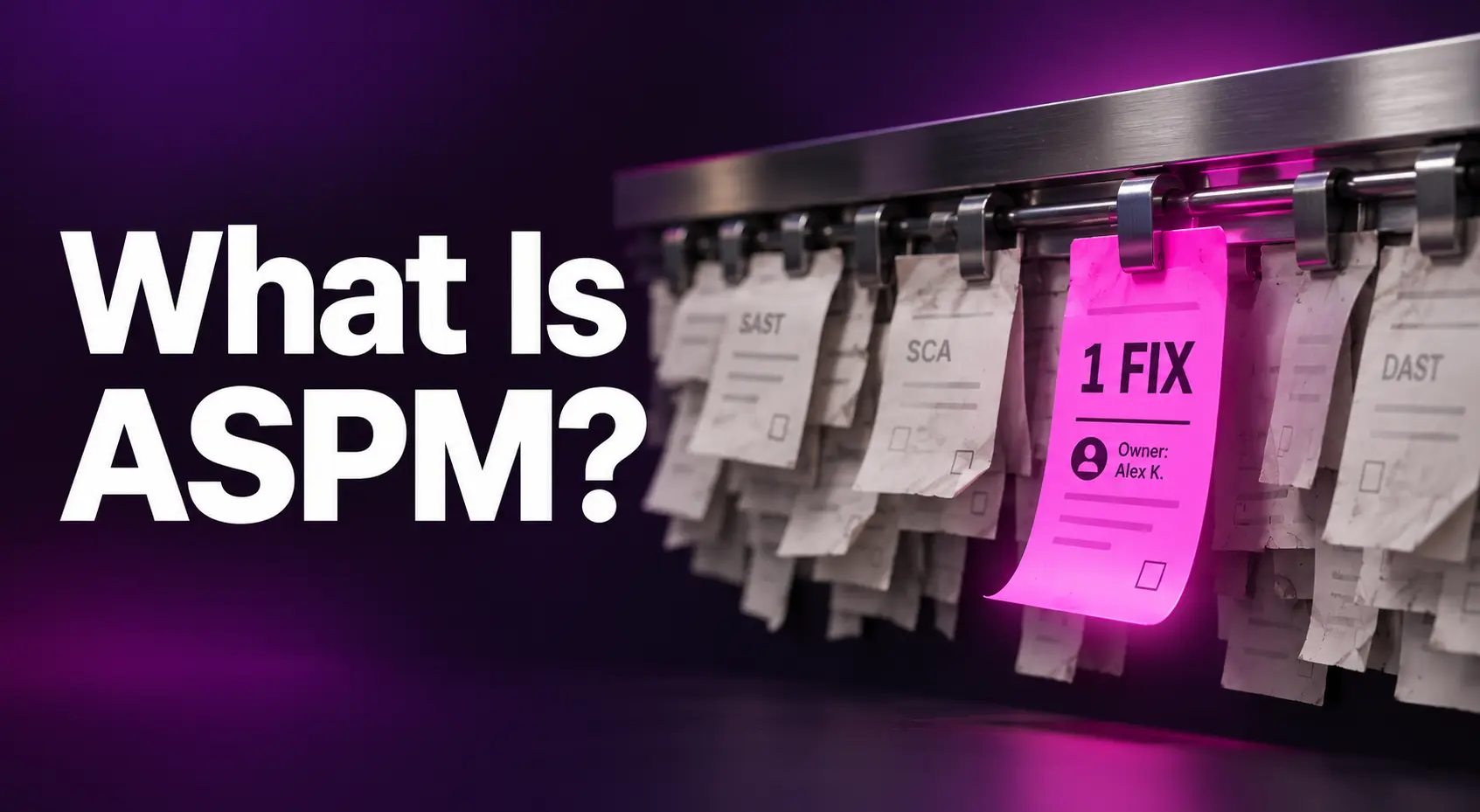
ASPM (application security posture management) is a layer that sits above your AppSec scanners, such as SAST, SCA, and DAST. It doesn’t find vulnerabilities itself. Instead, it merges duplicate findings, adds context like reachability and internet exposure, and routes each prioritized issue to the team that owns the fix. The result is fewer tickets, clearer ownership, and faster remediation.
Application security teams have scanners that list thousands of issues. Their scanners can list thousands of issues. What those scanners can’t say is which issues matter, which ones are duplicates, and who should fix them.
Application security posture management (ASPM) exists to close that gap. Below, we explain what ASPM is, why it emerged, and how it works, using a single vulnerability as the example.
What Is ASPM?
ASPM stands for application security posture management. It’s a layer that sits above your application security testing tools. It collects their findings, removes duplicates, adds context about real risk, and sends each issue to the team that owns the fix.
The key distinction is that ASPM doesn’t find vulnerabilities. Your scanners do that. ASPM takes what they’ve already found and turns it into a short, prioritized list of work, with a clear owner for each item.
Why ASPM Exists
Few teams set out to run a long list of scanners. SAST usually came first, to check proprietary code. SCA followed once most applications were built largely from open source. Container and infrastructure-as-code (IaC) scanning, secrets detection, and DAST or API testing arrived as applications moved to the cloud.
Each tool earned its place. Together, they created a new problem. Every scanner reports findings in its own format, with its own severity scale. None of them knows whether vulnerable code is reachable in production, or which team owns the repository it lives in. The result is a backlog that grows faster than anyone can sort it, let alone fix it.
ASPM grew out of an earlier category, application security orchestration and correlation (ASOC), which focused on pulling test results into one place. ASPM goes further. It adds business and runtime context, ownership, and remediation workflows, so a unified view leads to fixes rather than a bigger dashboard.
How ASPM Works: Following One Vulnerability
The easiest way to understand ASPM is to follow a single issue through it.
Without ASPM. Say a widely used open source library has a newly disclosed vulnerability, and that library sits in 20 of your repositories. Your SCA tool flags it in every repo. Your container scanner flags it again in each image that ships it. Your SAST tool flags a related insecure call in a few services.
That’s dozens of findings for one underlying problem, with three different severity ratings. Someone on the security team now has to reconcile them by hand, work out which services are actually exposed, and track down who owns each repo. Meanwhile, developers receive a stack of near-identical tickets, and many start ignoring security tickets altogether.
With ASPM. The same findings arrive in one place and move through four steps:
- Deduplicate and correlate. Findings describing the same issue are merged, and the library is traced from the repos to the container images to the running services.
- Add context. Is the vulnerable function actually called? Are the affected services internet-facing? Do they handle sensitive data? Is there evidence of exploitability in the wild? This is where 20 “critical” repos might become three that genuinely matter.
- Assign ownership. Each affected service is mapped to the team responsible for it, using sources like code owner files and repository metadata.
- Route the fix. Because one library upgrade resolves every finding, each owning team gets a single remediation task in Jira or another tool they already use, with fix guidance attached and status that syncs back automatically.
The scanners did their job. ASPM made the results workable.
What ASPM Isn’t
ASPM overlaps with several neighboring categories, so it helps to be clear about where it starts and stops.
- It isn’t a scanner. ASPM depends on testing tools to feed it. Without SAST, SCA, DAST, or similar tools in place, there’s nothing to correlate or prioritize.
- It isn’t just ASOC. Pulling findings into one view is the starting point, not the outcome. If an ASPM rollout stops at a unified dashboard, the backlog has simply moved.
- It isn’t CSPM. Cloud security posture management covers misconfigurations in cloud infrastructure, such as exposed storage or overly permissive access. ASPM covers the applications running on that infrastructure, including their code and dependencies. The two complement each other.
Where Seemplicity Fits
Seemplicity applies the core ideas behind ASPM to the AppSec tools teams already run, with a focus on getting from finding to fix.
- Vendor-agnostic. It works with existing scanners such as Checkmarx, Snyk, and Veracode, so there’s nothing to rip and replace.
- Grouped by fix. When one upgrade closes dozens of findings, it becomes a single remediation task.
- Reachability confirmed. Seemplicity’s AI Analysts, including the Code Analyst and SCA Analyst, check whether vulnerable code and dependencies are actually reachable before work reaches developers.
- Routed to owners. Findings are mapped to the responsible teams, with bi-directional Jira and ServiceNow sync keeping status and SLAs accurate.
- One program, not another silo. Application findings sit alongside cloud and infrastructure exposures as part of a broader exposure management effort.
ASPM in One Sentence
If you remember one thing, make it this: ASPM turns scattered scanner output into a short list of fixes, each with a clear owner. The scanners tell you what’s wrong. ASPM makes sure the right people fix what matters first.
If you’re comparing ASPM tools, judge them on that outcome rather than the dashboard. The right one becomes the part of your application security program where risk actually goes down.
See how Seemplicity turns AppSec findings into shipped fixes. Book a demo.

Stay updated on Seemplicity blog
Subscribe today to stay informed and get regular updates from Seemplicity.